
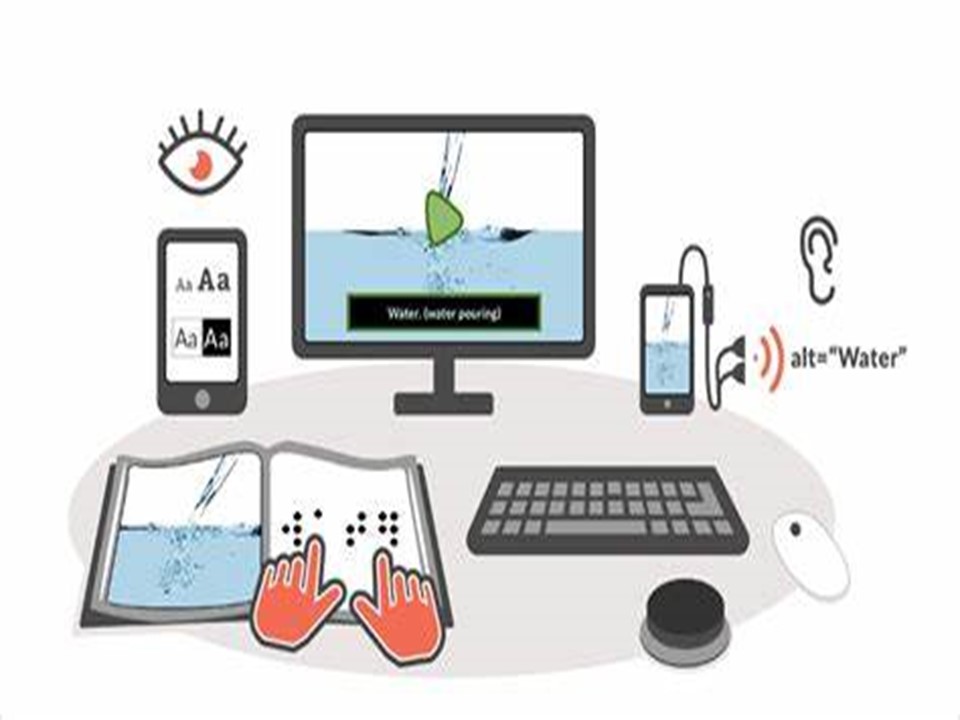
 ✨ Our aim is for Assistive Technology to become part of all that we do, for it to be second nature so that our pupils can access this support independently and with confidence.
✨ We want all of our learners to be independent and not seek reliance on an individual for support if they can avoid it. Using assistive technology develops their independence and skills that they can use both in and out of their lessons each day, and beyond their time at Moon Hall.
“There is a strong focus on enabling pupils to communicate including through the use of assistive technology." (ISI Report, December 2024) - Pupils are supported and encouraged to use Assistive Technology through a variety of ways; through using dictation (speech-to-text) and read aloud (text-to-speech)* software, Inspiration mind-mapping software, and touch typing lessons.
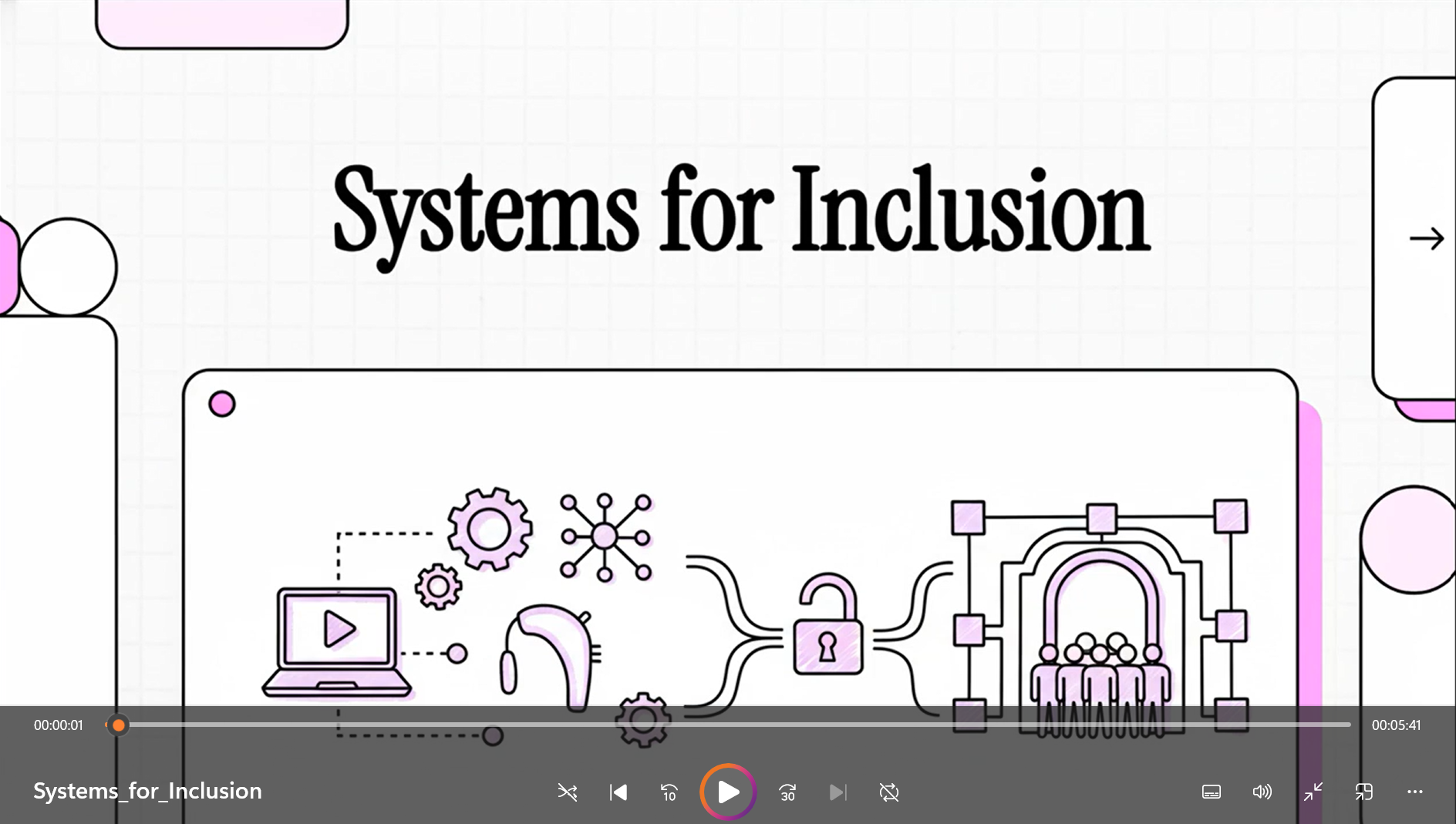
⭐ Tools Don’t Scale. Systems Do
(MHS presentation for UNESCO, Nov 2025)
⭐ Prompt Craft for Accessibility Playbook
As well as delivering SEN / life-skills Assistive Technology webinars and face-to-face workshops to parents/carers, schools, and the likes of The Society of Heads and Amazing Apprenticeships, Moon Hall also assists Microlinkpc, as part of the 'be thAT teacher' programme, a FREE AT programme for all state and now independent schools - Assistive Technology (AT) Training for Schools Evaluation report (DfE).
Interested? Please contact Mr David Curran
Resources:
✨ Use of Technology
"SENCos may wish to consider the use of technology to a much greater extent instead of readers and scribes. Computer readers, examination reading pens, speech recognition technology and word processors not only allow candidates to work independently but are also a better preparation for Further and Higher Education and the world of employment" (JCQ 2020)
✨ Accessibility
Improve how the layout of your device looks, for example text size / style / colour and backgrounds, and the way you use it
✨ 🤖 Generative Artificial Intelligence (AI)
Moon Hall uses Assistive Technology and carefully selected AI tools to support clear explanations, structured learning and confidence building. These tools do not replace teaching. They help pupils learn step by step and think more independently.
AI is used safely and responsibly at school. We never enter personal information. All use follows UK GDPR, the Data Protection Act and national guidance on AI in education.
Pupils are encouraged to think critically, check information, and create their own ideas. AI cannot complete work for them.
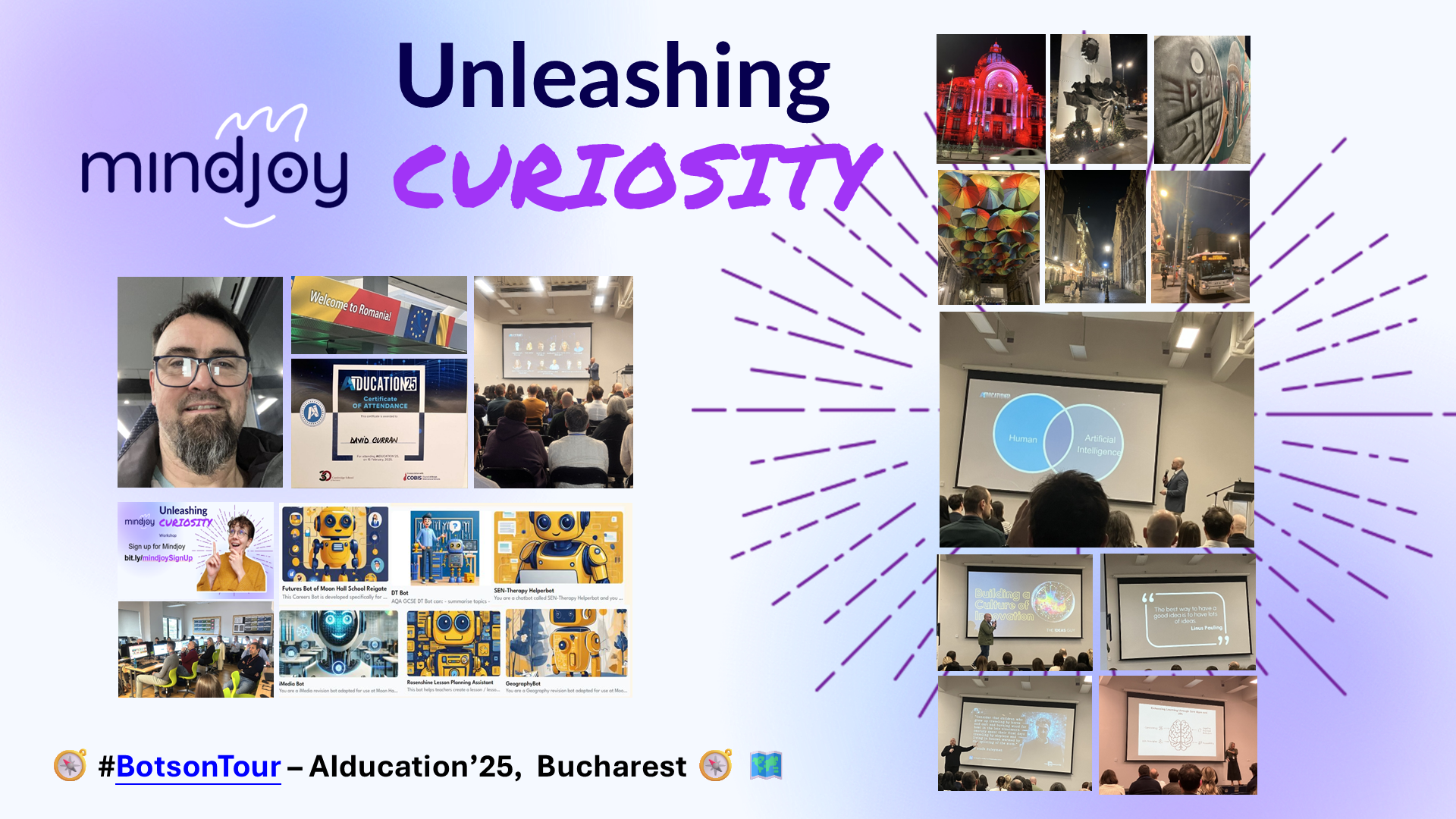
Examples at Moon Hall include the use of Microsoft's Reading Progress (in-school), Reading Coach (at home) and Presenter Coach, text-to-image/music generators, ChatGPT (from aged 13), Gamma presentation-generation, Canva for graphic design, ThingLink's immersive worlds, and a whole stable of subject, careers, teacher resource-generation and SEN/therapy support chatbots on the Mindjoy platform.
How Moon Hall School Reigate Is Personalising Learning for Neurodivergent Students with Mindjoy (MHS case study)
Events & resources:
.png)
Agenda
!!! AI important notices !!!
- Please do not enter any personal details, and
- ensure that all facts generated by AI are independently verified for accuracy. Whilst we strive for reliability, AI-generated information may not always be accurate (‘hallucinations’), unbiassed or up-to-date. Your diligence in fact-checking is crucial
✨ TextHelp Read&Write*
Did you know?
"A year long study identified that 66% of Read&Write* users saw an improvement in reading age, compared to non Read&Write users (27%)" (quote source)
Features:
* with features such screenreader / text-to-speech and speech-to-text
* for use on all software applications and online at home and at school
* for use in exams for those with access arrangements
Resources:
 ✨ Touch typing using KAZ
.jpeg)
One of our Moon Hall students receiving her Level 2 qualification in Touch Typing
Once logged on, students have the following options:
✨ Additional FREE touch typing resources
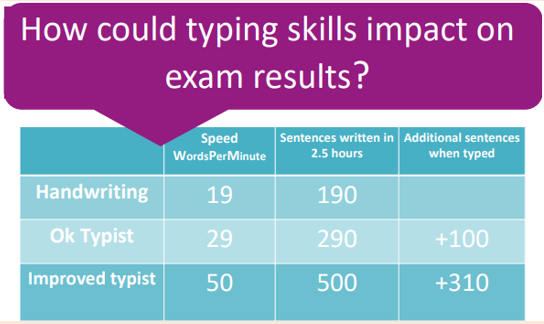
'Positive screentime' at home - 'Housepoints for Homework'
Please encourage 15-20 minutes ‘play’ as and when possible

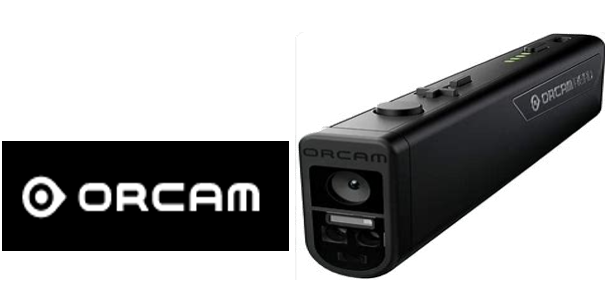
✨ Orcams
✨ Books, books, books
Merely some suggestions . . .
As always, please contact David Curran directly if you have any thoughts, need any further help, or if you have any questions about anything Assistive Tech, including AI 😊


 LibriVox
 BBC Teach